Blog
Break it down - God of War Mystic Gateway
Recreation of the God of war Mystic Gateway interaction animation using Houdini
On this page
Recreation of the God of war Mystic Gateway interaction animation using Houdini
Why though?
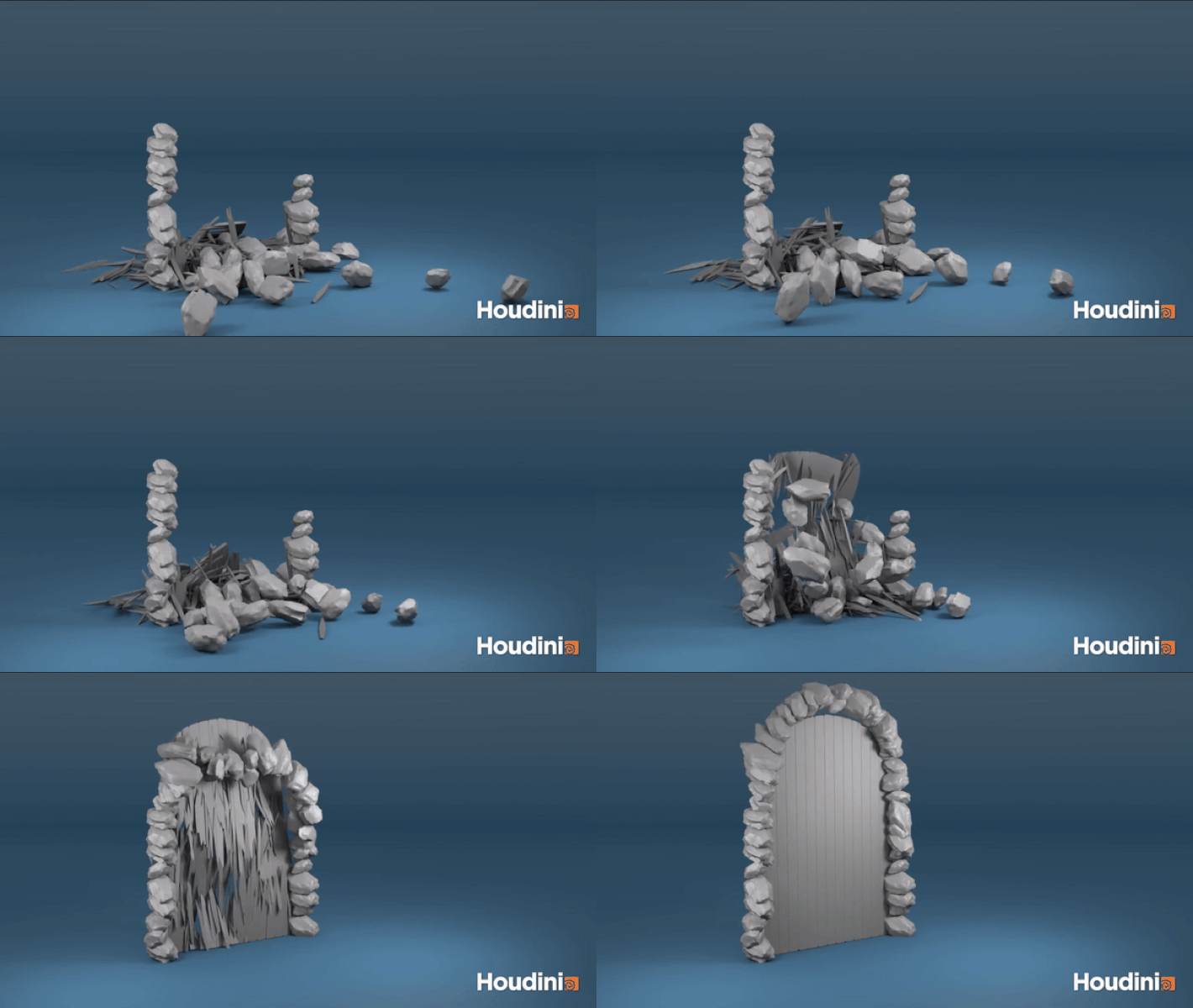
I was playing God of War Ragnarök during Christmas break, and I really liked how the mystic gateway animation felt. During one of the play sessions, the developer side of me woke up and thought, “Hmm, I wonder if they just reversed an RBD sim for this.”
Like any technical artist out there,I like to tinker, so I thought, “Let’s try it out! I’m curious how this was made.” And I did. I created a fast prototype in an hour or two, proving that reversing a gravity RBD sim would be enough. And that was it. I moved on to the next thing that caught my attention.
One month later, I stumbled upon the reference photo I took for this test and decided I could spend a bit more time on this and maybe write a blog about my approach to it.
While this won’t be anything fancy or uncommon, I think it’s interesting to see how others approach problems and how it can sometimes help with other unrelated things.
Before I ramble onwards, two disclaimers:
- This past year I’ve been learning Houdini, so my breakdown will focus on a Houdini workflow(although similar concepts exist in other DCCs as well).
- This is a fast prototype, where i don’t care about polish or quality, its just to prove a concept.
First step, references!

Break down part
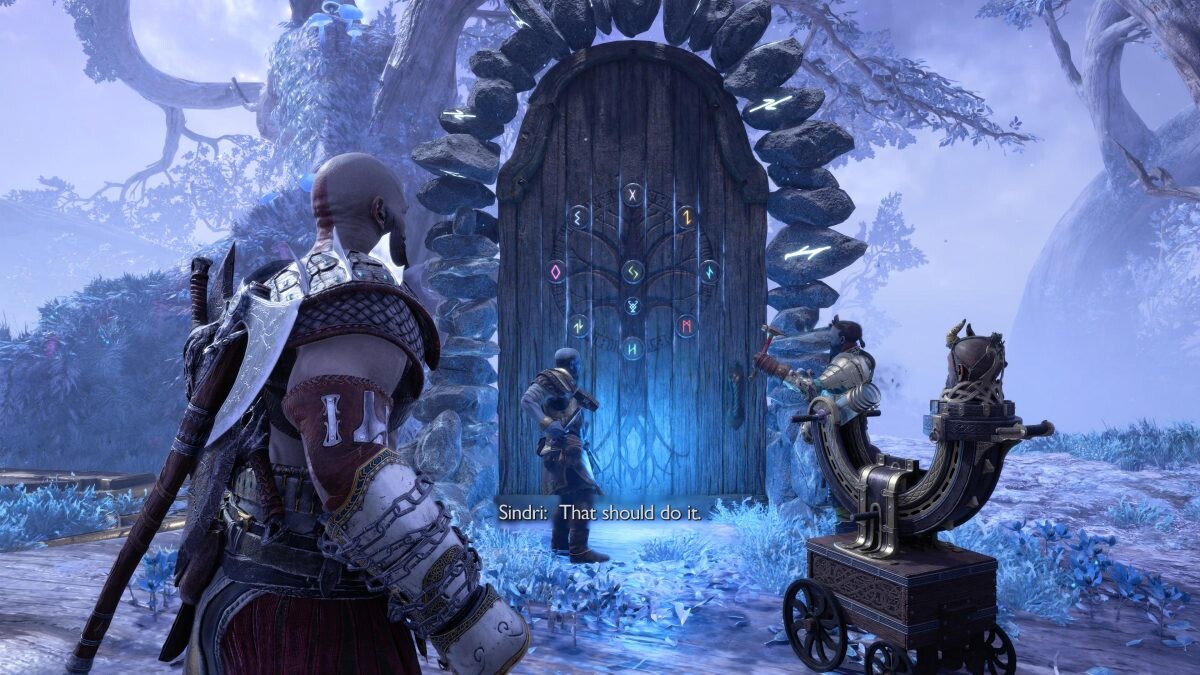
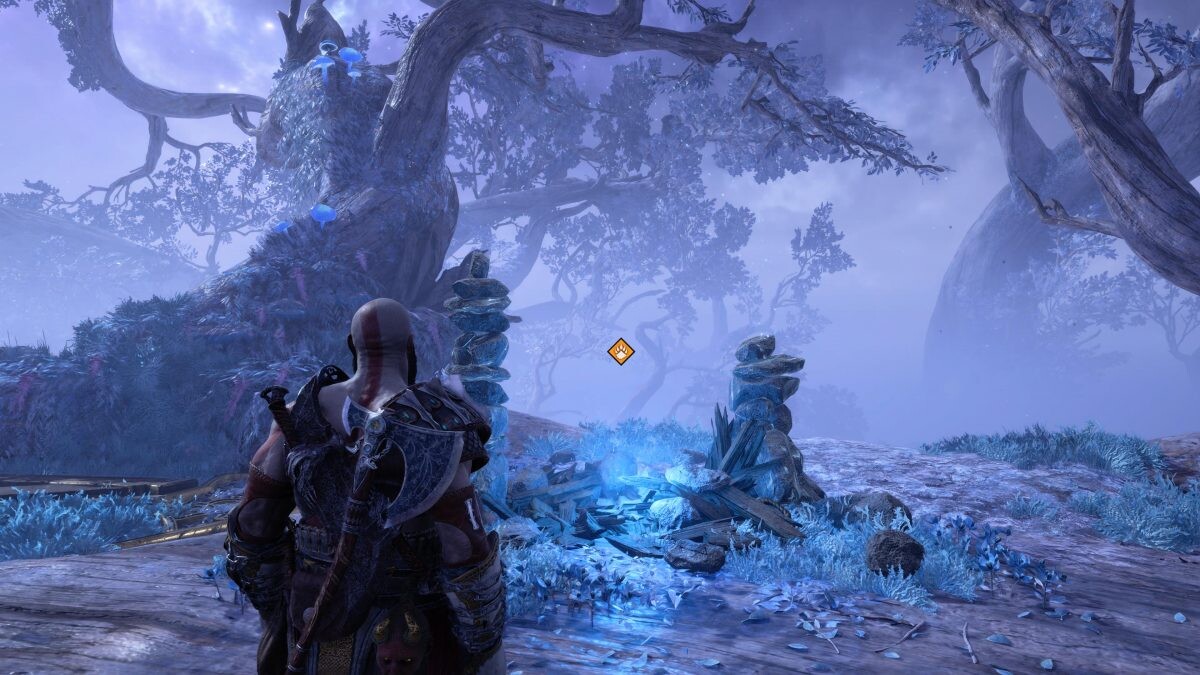
Looking at the images I noticed:
- There are 2 states (Active and Inactive), we can also see that there’s an archway shape and some rocks following this shape.
- Rocks are following the normal of the curve towards the inside and bend with the curvature.
- There are gaps between the rocks and the wood frame and that makes our life a bit easier to recreate this.
This gives me plenty of information on how I can start, but lets also look at the animation and see what our model needs to support in terms of movement.
- There are 2 big rock pillars intact and not moving (left and right, one a bit uneven)
- Each individual plank fracture independently, indicating it’s probably split into its own element.
To-Do List:
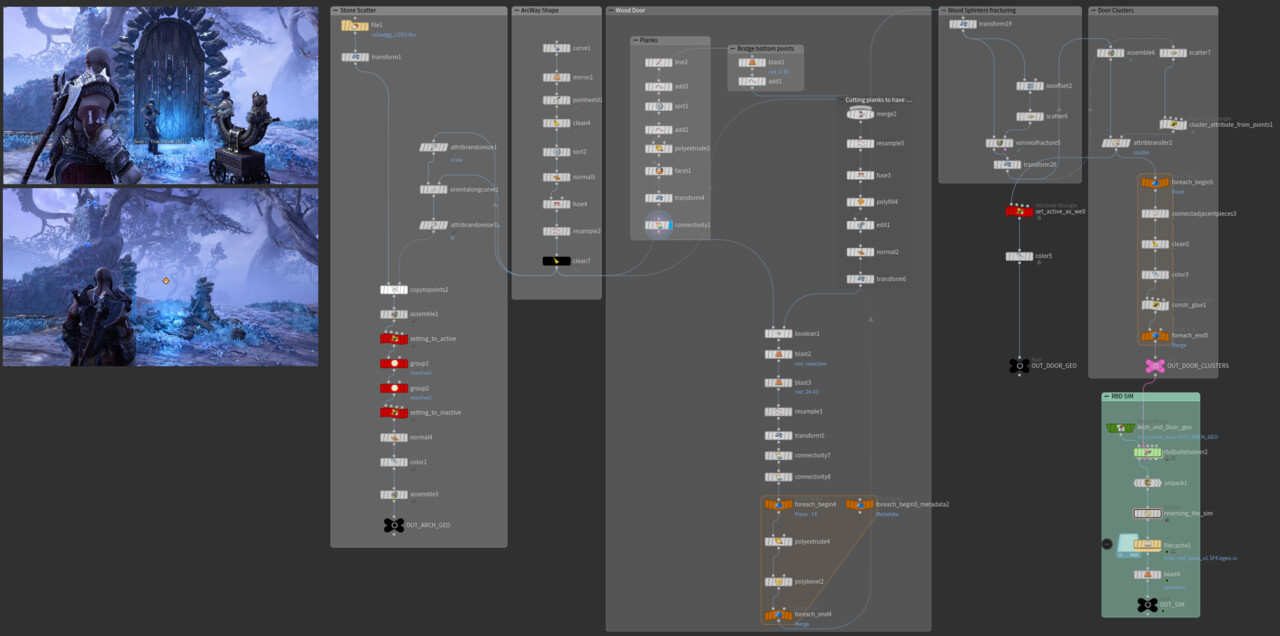
I need a rock asset, an archway made with it, a wooden door made of vertical planks, a fracture for the door and an RBD sim.
Rock
This was easy, and I cheated a bit, I downloaded a rock from Megascans. While Houdini can easily generate some, I thought this is not the real focus here.
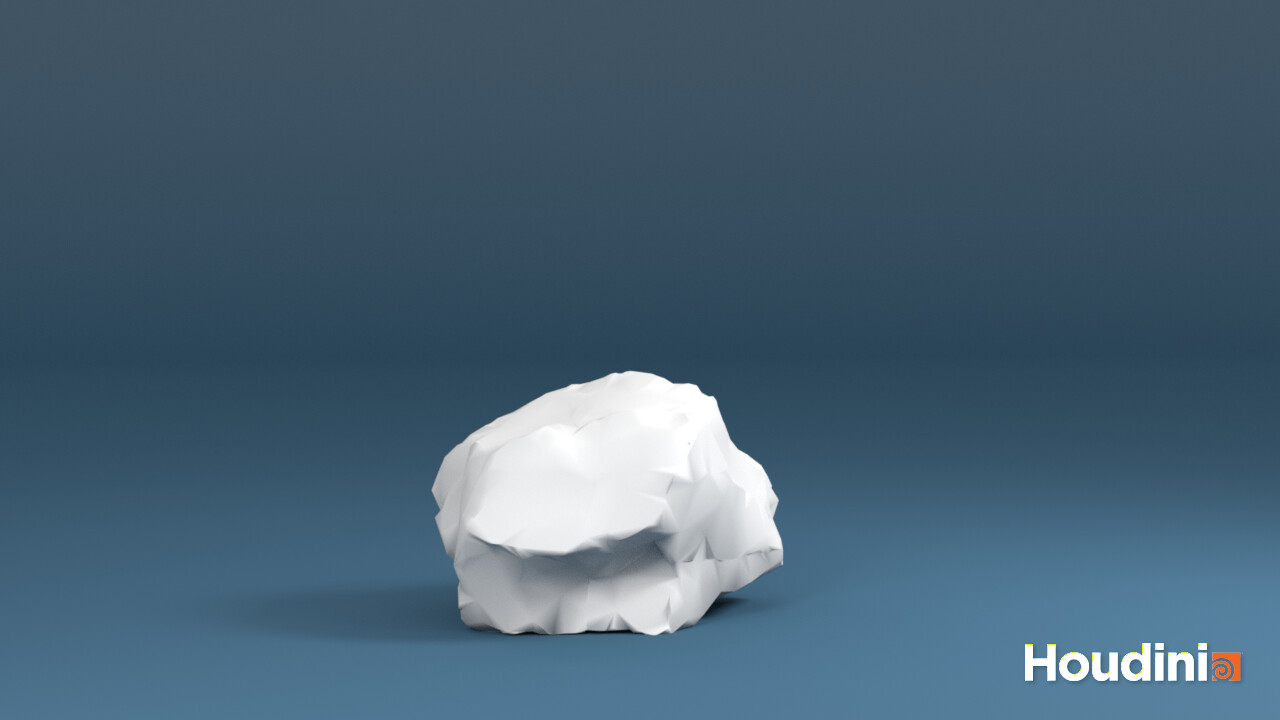 )
Archway
For the archway, I created a spline that i mirrored and remeshed, where a copy to points was used to duplicate and scatter the rock asset. To make it look less repetitive I’m adding some random scale and a random rotation, while still trying to maintain the rocks rotation towards the curve interior.
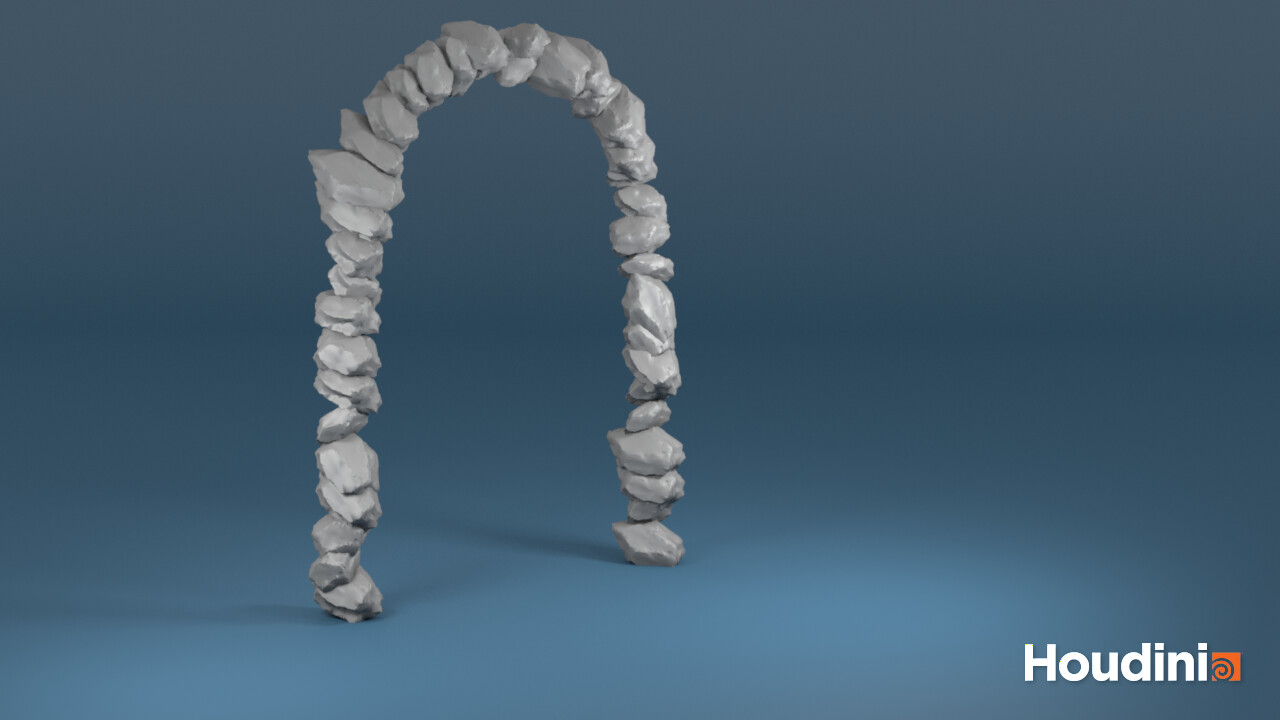
 )
Wooden Door
Since I knew I would need to fracture the wooden door, I wanted to have separate planks created from the start, so I don’t have issues with newly created faces. For plank creation, I created a shape from the archway initial curves, bridged the missing gap, and using a boolean from the door shape with boxes created as planks it results in planks following the archway shape.
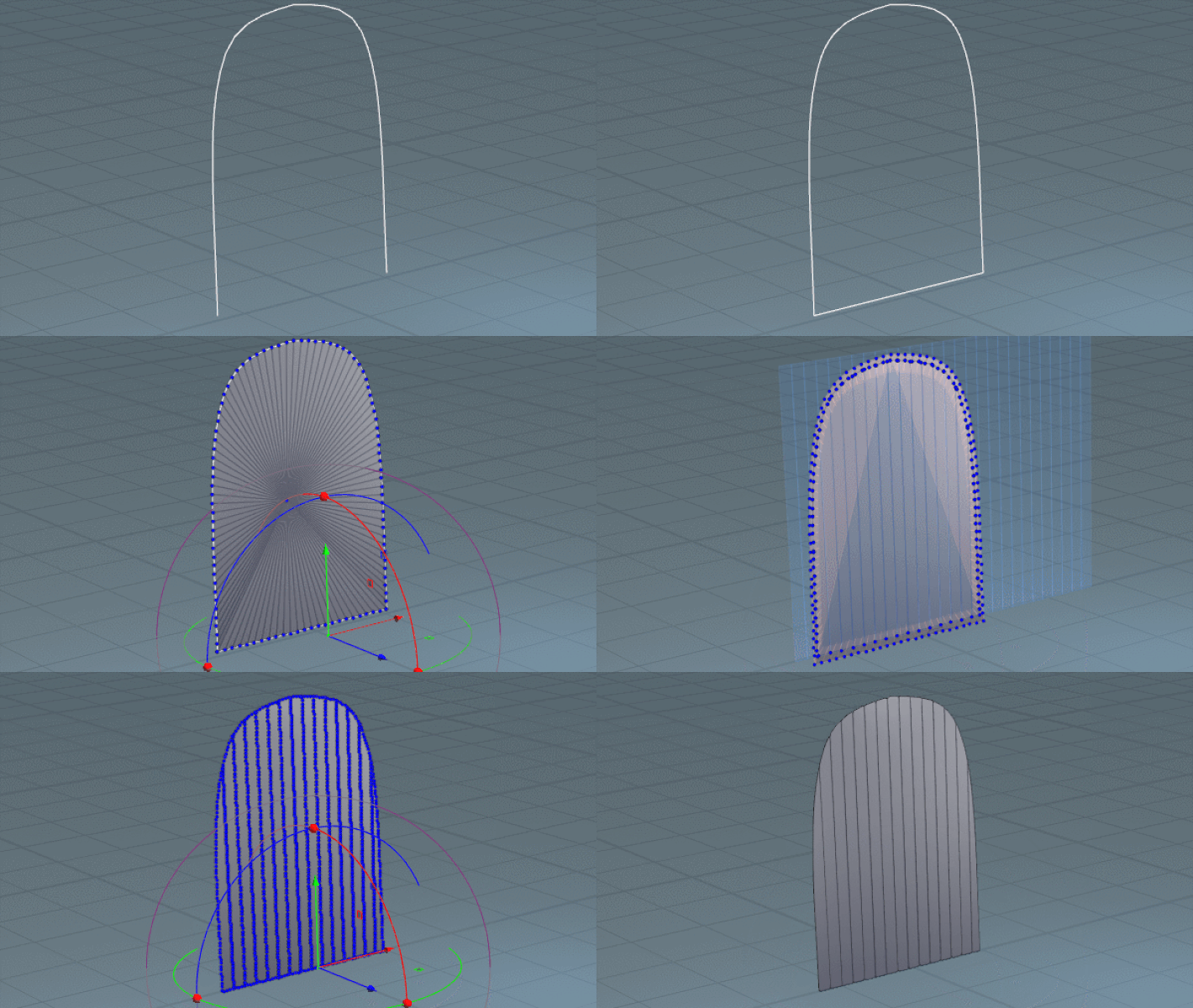
Wood Fracturing
Fracturing the wood planks, I went with the old approach of scaling down the mesh into a Voronoi fracture and then scaling it back. This workflow creates some wood-like splinter fragments. Afterward, I handled the cluster creation manually by grouping up splinters that are close by.
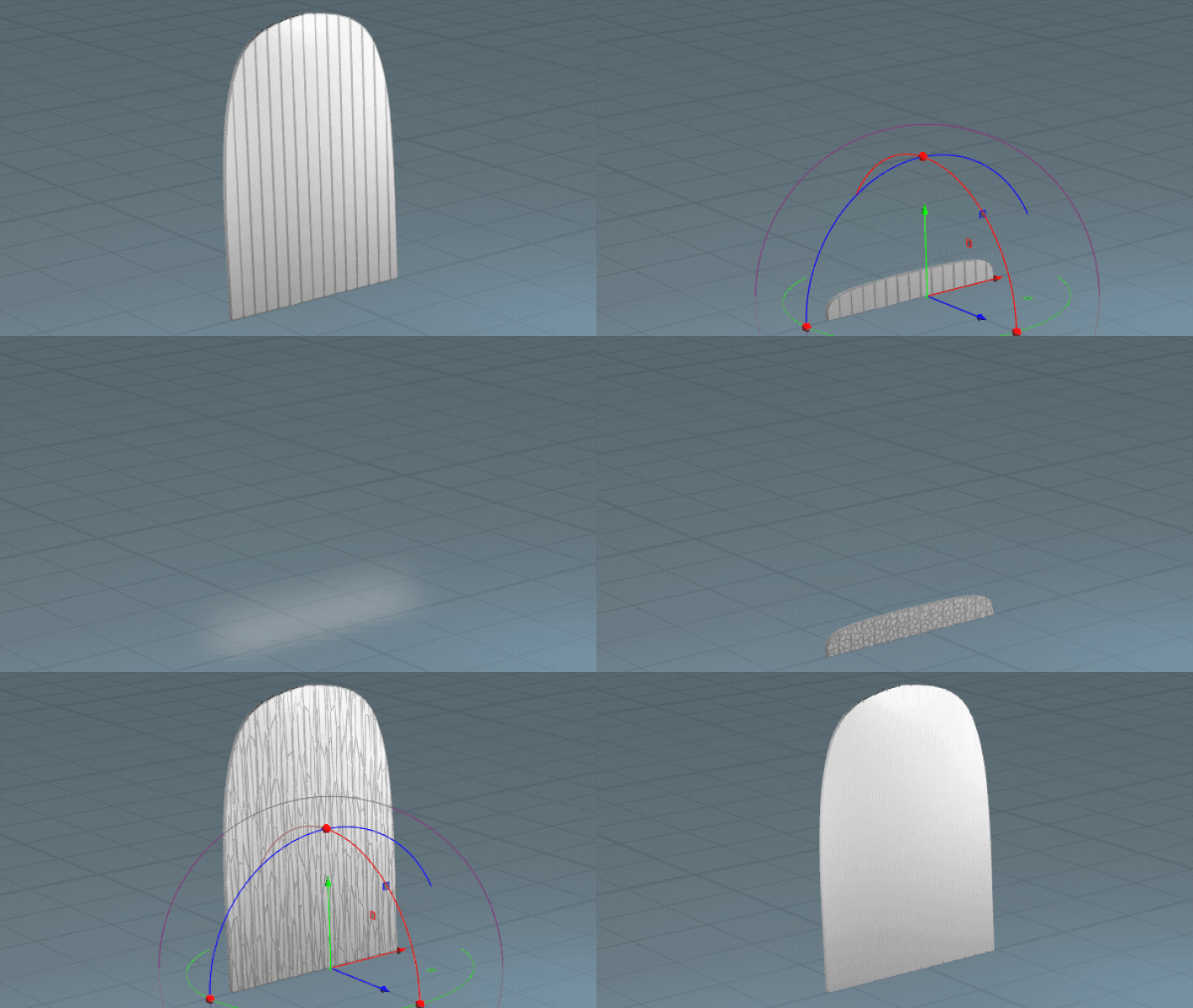
Simulation
Tearing down using a RBD Bullet solver, just an RBD Solver with gravity on.
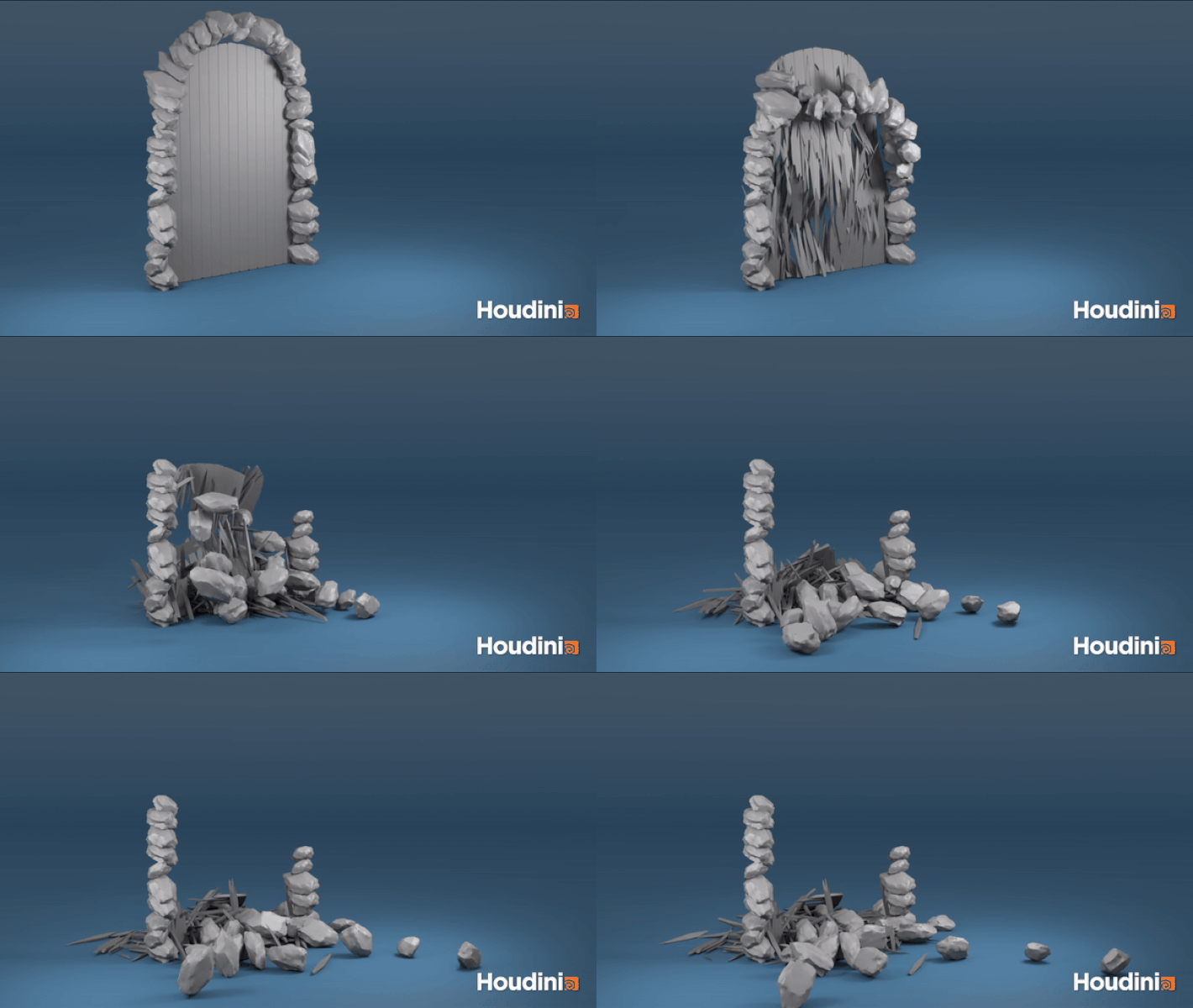
And now final step, reversing the simulation of the RBD solver.
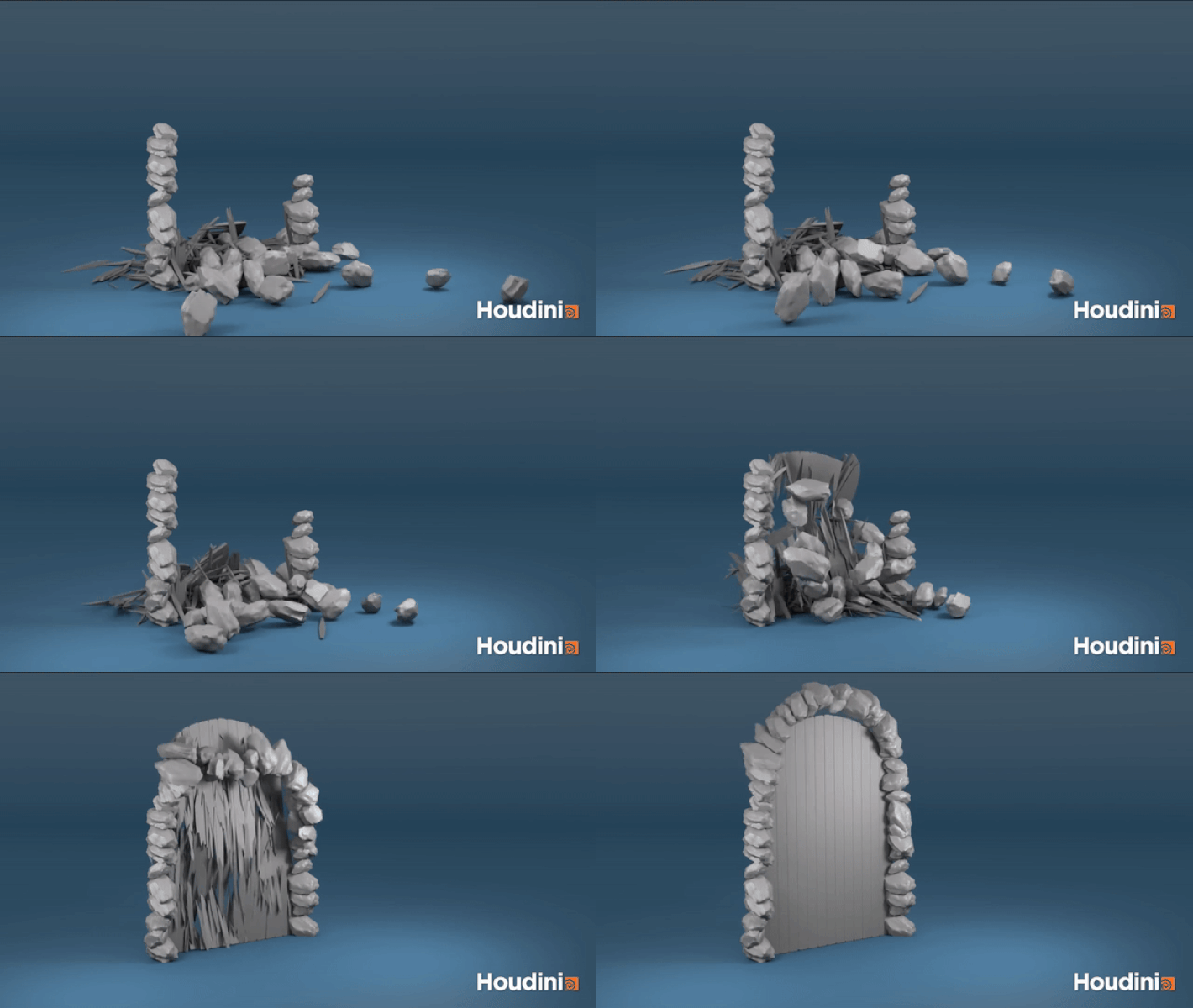
This was a fun thing to tackle, especially since I didn’t have to worry about the final quality/polish of it being in a real production environment.
I want to emphasize that having a quick prototype does not actually represent the entire amount of work needed for an asset to be used in a shipped title. It’s more than just having a working animation; it’s about visual, gameplay polish and production iteration. It needs to work with gameplay, collision, metrics, combat, VFX, and audio setups. It needs to work in a full game environment and, more importantly, be iteration-friendly.
I always like to find things that I could have done differently or improve on, and for this mini-project, it’s no different. This is what I would have done differently or had a different approach if it were in a real production environment:
- Rock generator that adds that visual noise as repetition is still pretty noticeable in my scene(or more rock assets to scatter) even if i tried to hide it with rotation/random scale etc.
- I would like to find a nice way to check intersection between the rock points, as the current setup i was just lucky with the seeds and scale of rocks that i used, my current setup was NOT production friendly, and would have required more work if an art director or shot supervisor would have requested lets say…add 1 more rock. flip table
What are your thoughts on this approach?
/Andrei